
Chicken Road Game Download India: How to Access and Play on Mobile
The game itself works differently from Mines. Instead of a grid where cells are clicked in any order, Chicken Road presents a path. A chicken walks forward one step at a time. Each step either lands safely or hits a hidden trap. Safe steps push the multiplier up. A trap ends the round and takes the bet. The player can cash out after any successful step. The concept is simple. The tension builds with every forward move.
| Detail | Info |
| Game | Chicken Road |
| Provider | InOut Games (not a BC Original) |
| Format | Path-based, 25 positions |
| Difficulty modes | Easy (1 trap), Medium (3 traps), Hard (5 traps) |
| RTP | 98% (house edge 2%) |
| Bet range | $0.01 to $200 per round |
| Cashout | Anytime after first safe step |
| Standalone app | Does not exist |
Is there an Official Chicken Road App in India
No confirmed standalone chicken road app exists for Indian users at the time of writing. The game is not distributed as its own application through Google Play or the App Store. InOut Games develops the software. Casino platforms integrate it. Players access the game through those platforms, not through a separate download.
Some casino operators offer their own mobile apps that include InOut Games titles in the catalogue. If a particular operator’s app is available and carries Chicken Road, the game can be played from inside that app. But the app belongs to the operator, not to Chicken Road as a product.
The important point: searching for “chicken road app” or “chicken road apk” in app stores or on search engines will not return an official standalone product. What it might return are third-party pages claiming to offer one. Those pages are not connected to InOut Games or to any licensed operator. More on that risk further down.
Chicken Road Download Options for Android and iOS

Three access methods exist. The first two are safe. The third requires caution.
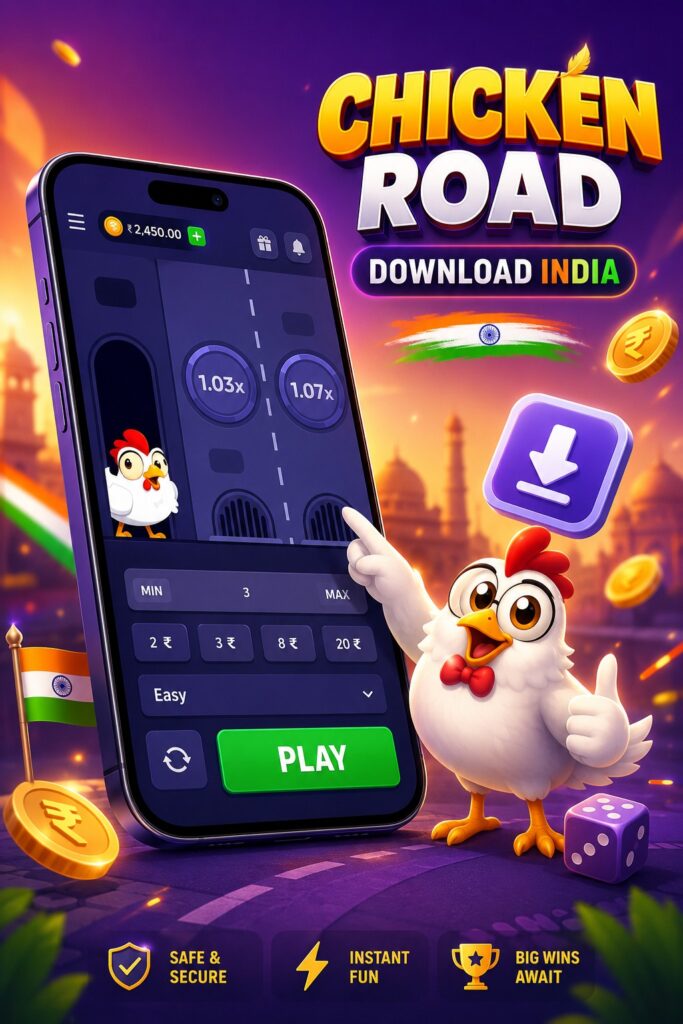
Android Access: Browser, Casino App or APK
The browser route is the simplest. Open the casino platform’s website in Chrome or any current Android browser. Log in. Find Chicken Road in the game catalogue. The game loads in the browser tab. No files downloaded. No permissions changed. Same game, same mechanics, same payouts.
The casino app route works if the operator offers an APK from their official site. BC Game, for example, provides an APK that installs as a standalone app and gives access to all integrated games, including chicken road games from InOut Games. The APK comes from bc.game directly. Not from Google Play, because the store restricts crypto gambling apps in most markets.
The third path — downloading a chicken road apk from a random search result — is where the risk sits. APK files from sources other than the operator’s official domain are not verified. They may look like the real thing. They are not guaranteed to be. The section on risks below covers this in detail.
iOS Access Without APK Files
APK is an Android format. It does not apply to iPhones. iOS users access Chicken Road through Safari or through a casino operator’s iOS app if one exists in the App Store for their region.
The Safari method mirrors Android browser access. Open the operator’s website. Log in. Find the game. Play. Adding the site to the home screen through Safari’s Share menu creates an icon that opens the platform in a standalone window without Safari’s address bar. Looks like an app. Functions like an app. Technically a bookmark with expanded display privileges.
Apple restricts real-money gambling software in its store. Most crypto casino operators do not have App Store listings in India. The Safari shortcut covers the gap.
How to Play Chicken Road via Mobile Browser
Browser access skips everything that makes downloads complicated. No APK files to source. No permissions to change. No storage consumed on the device.
Open the casino platform’s website on a phone. Any modern browser handles it. Log in or create an account if needed. Navigate to the game catalogue. Search for Chicken Road or browse the arcade/crash games section. Tap the game. It loads inside the browser.
The interface shows the road ahead. The chicken stands at the start. Three difficulty modes sit at the top of the control panel:
- Easy — 1 trap hidden among 25 positions. Most steps are safe. Multiplier grows slowly
- Medium — 3 traps. Noticeably more tension per step. Multiplier climbs faster
- Hard — 5 traps scattered across the path. Every step carries real weight. Multiplier jumps quickly but so does the risk of ending the round
Pick the difficulty. Set the bet amount. Anything from $0.01 to $200 per round in the standard InOut Games configuration. Crypto bets get converted automatically.
Tap forward. The chicken takes a step. Safe? The multiplier updates. The cashout button shows the current payout. Another step? The multiplier climbs again. Keep going or take the money. If the chicken hits a trap at any point, the round ends and the bet is lost.
If the chicken survives the entire road — all steps completed without hitting a single trap — the player collects the maximum multiplier for that difficulty mode. On Hard, reaching the end is rare and pays accordingly.
Browser play has a few practical advantages worth noting. Updates happen on the server side, so the game is always current. No version mismatches. No update prompts. No storage consumed. Compatible with every device that has a browser. Tablets work too.
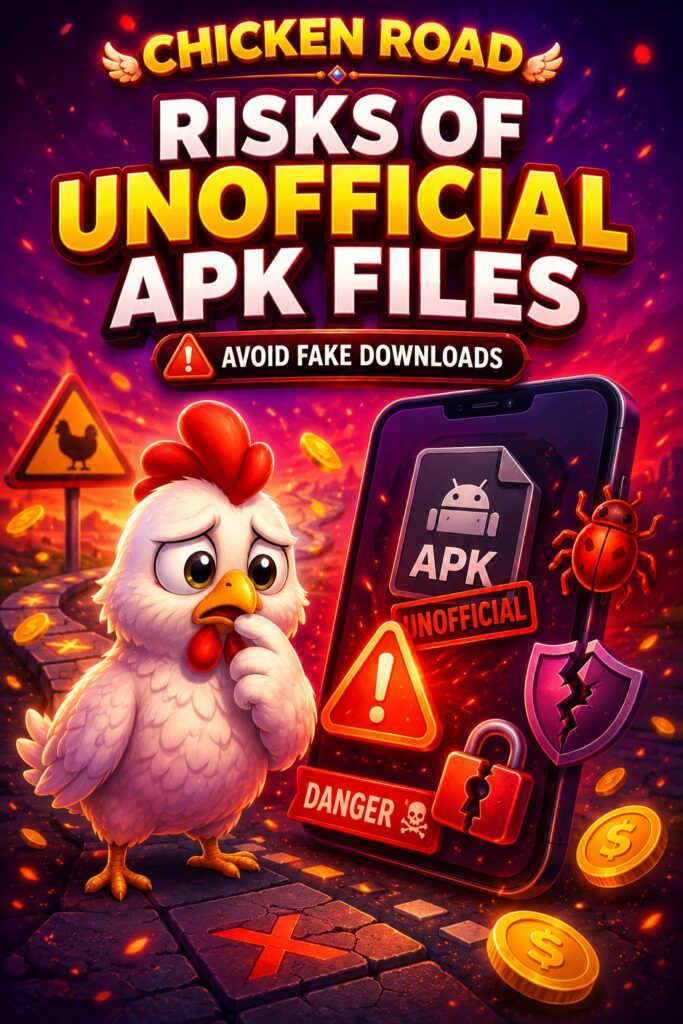
Risks of Unofficial Chicken Road APK Files
Search results for “chicken road apk” return pages that are not affiliated with InOut Games or with any licensed operator. Some of these pages host files. Some of those files are not what they claim to be.
The risks break down into a few categories:
- Fake promises. Pages that claim the APK unlocks “premium features” or removes the house edge. The game’s math runs on InOut Games’ server. A client-side file cannot alter server-side calculations. Any APK claiming to change the odds is either lying or wrapping malware in a convincing shell.
- Credential theft. A fake APK that looks like the real game but includes a login screen designed to capture usernames and passwords. The player enters credentials thinking they’re logging into the casino. The data goes somewhere else entirely.
- Financial interception. Modified software that redirects deposit transactions or skims wallet addresses during crypto transfers. The player sends funds to what looks like the platform’s deposit address. It’s not.
- Background processes. APK files can include code that runs silently after installation. Keyloggers. Clipboard monitors that watch for copied wallet addresses. Screen recorders. None of this is visible to the user during normal play.
How to tell a download page is not legitimate:
- Domain does not belong to a known licensed operator.
- Page requests personal data before serving the file.
- File size doesn’t match what a legitimate operator shows.
- The page promises guaranteed winnings or modified odds.
- Download link routes through ad networks or pop-up chains.
The safest approach: skip APK files entirely and play through the browser. Zero installation risk. Same game.
System Requirements for Mobile Play
Chicken Road is not a graphically intensive game. The road, the chicken, the traps — flat 2D assets with simple animations. Processing power is not the bottleneck. Connection stability is.
A modern smartphone handles the game without strain. Current browser with JavaScript enabled. Stable internet connection — Wi-Fi or 4G. The game communicates with InOut Games’ servers on every step. A dropped connection mid-round can interrupt the session. The server holds the game state, so reconnecting usually picks up where things left off, but the interruption is frustrating when a multiplier is building.
Storage requirements depend on the access method. Browser play: nothing. Casino APK: varies by operator, typically 50–100 MB for the full platform. Home-screen shortcut: a few kilobytes.
Older phones that still receive browser updates run the game fine. The limiting factor is almost always the network, not the hardware.
FAQ
Not as a standalone app. Chicken Road is a game by InOut Games, available through casino platforms that integrate their software. Access is through the operator’s website in a browser or through the operator’s own mobile app if one exists. No separate chicken road app is available in Google Play or the App Store.
Only if the APK comes from a licensed casino operator’s official domain. APK files from search results, aggregator sites, or Telegram channels are not verified and carry real risk. The browser route avoids installation risks entirely.
Yes. Open the casino platform’s website in any mobile browser. Log in. Find Chicken Road in the game catalogue. The game loads directly in the browser. No download, no install, no permissions needed.
Versions and naming can vary by provider. InOut Games develops Chicken Road. If a platform lists a “2.0” version, check whether it comes from the same provider and carries the same RTP. Different providers sometimes use similar names for different games with different math.
Fake APKs have been tied to credential theft, financial interception, and background malware. The game’s math runs on the provider’s server. No APK can change the odds or unlock hidden features. Any file claiming to do so is either deceptive or malicious. Playing through the browser eliminates the risk.